 HEERTI
Billboard
Creators can put their promo images on the home screen everyone sees.
Only invited fans can come in
HEERTI is a private messaging app that only fans invited by a creator can join. Be the first to hear what your creator shares, and send your love back with hearts and replies.
What you can do on HEERTI
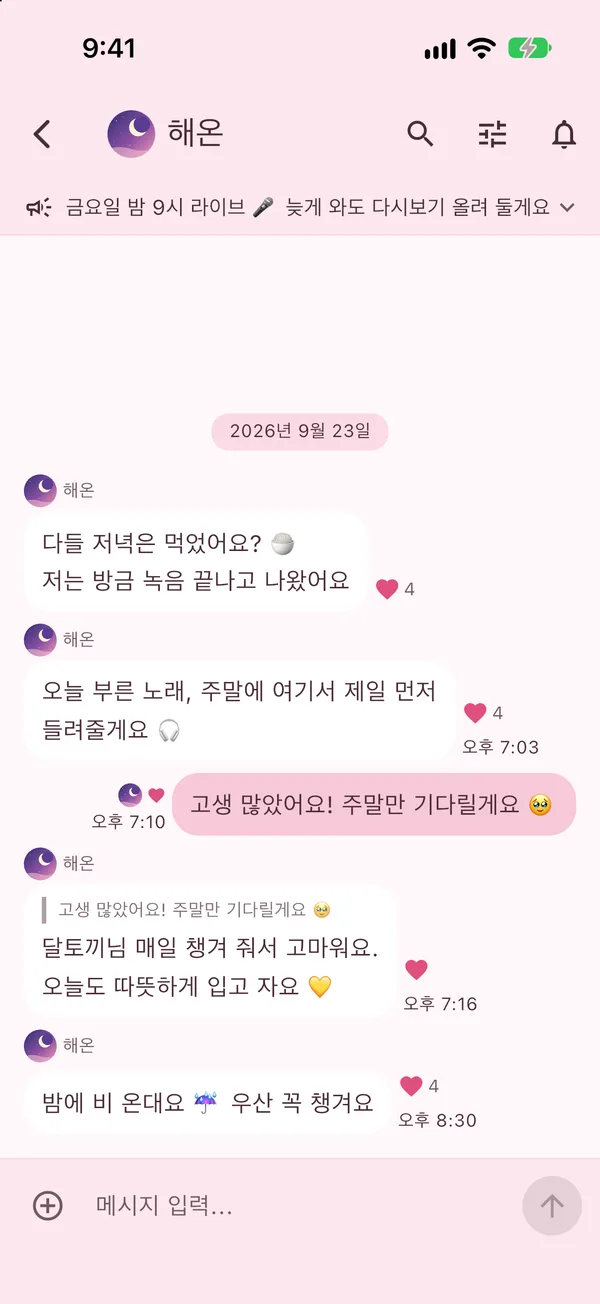
Get the messages your creator sends to the whole room in real time. Tap a heart on the ones you love — your creator sees it right away.
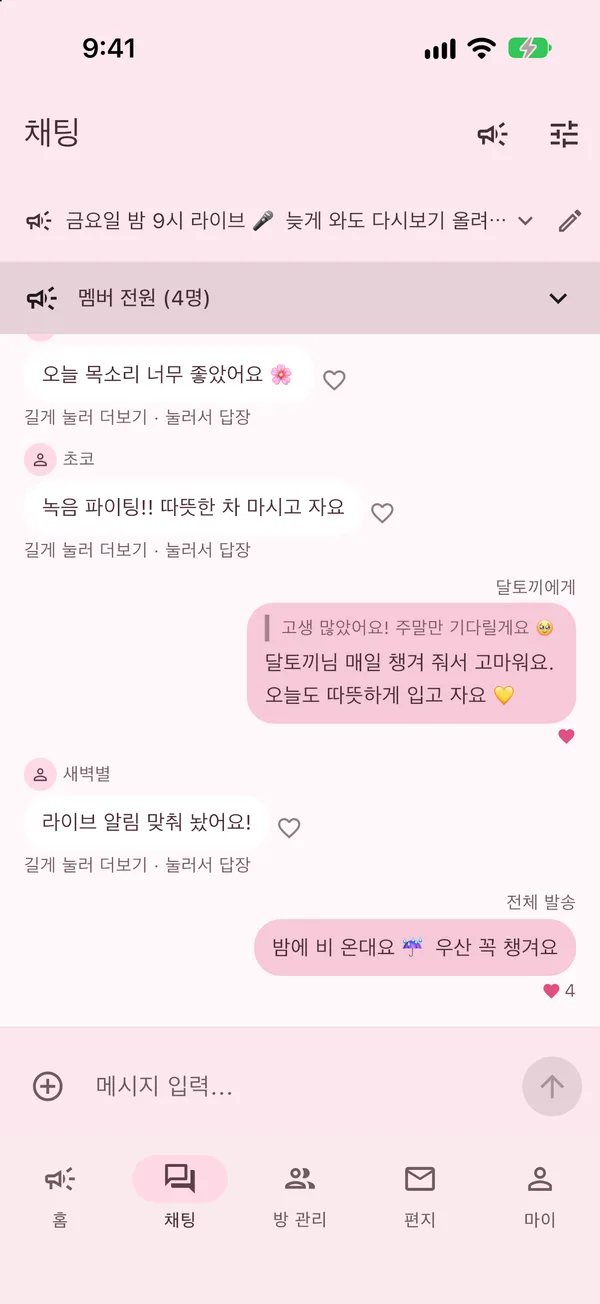
Messages from fans aren’t shown to other fans — they go to the creator only. Creators can reply to one person privately, so a reply to you is seen only by you.
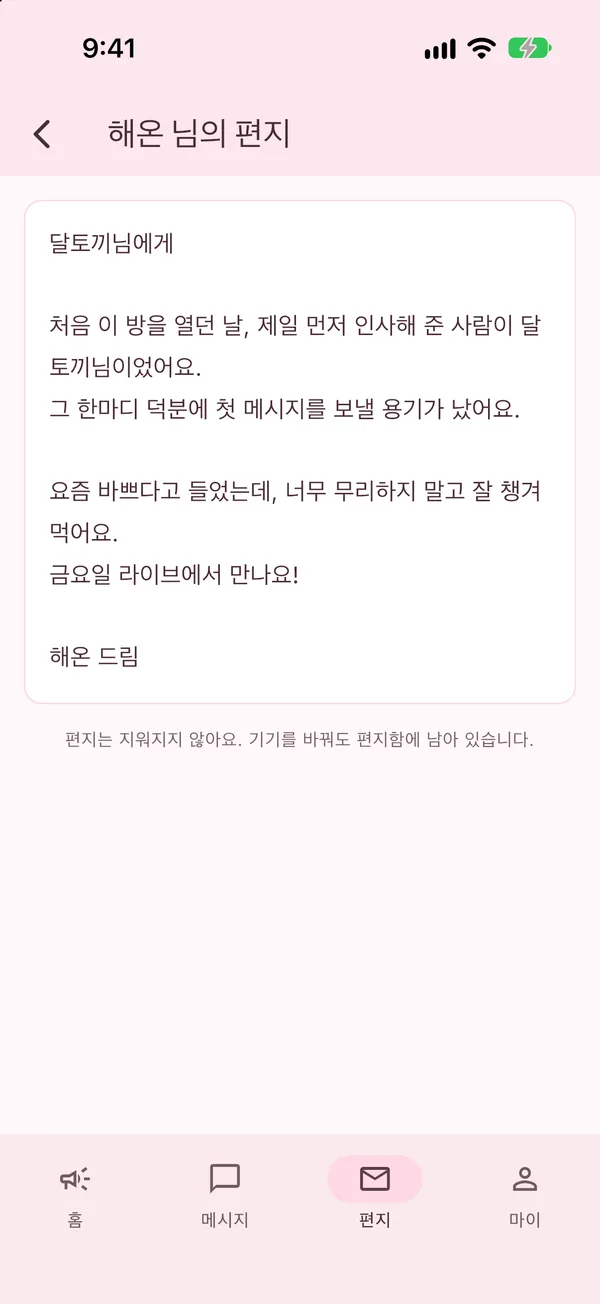
Letters a creator writes just for you are kept in your mailbox. They stay there even if you change phones or reinstall the app.
Creators can put their promo images on the home screen everyone sees.
Messages, photos and voice messages you receive are kept on your device. They stay on our servers for only 30 days, just to deliver them.
Find a single line from past conversations in seconds.
Pause notifications while you sleep, and choose whether notifications show message content.
Make your chat room yours with themes like cherry blossom and sky.
Turn your tablet sideways to see the billboard and your chat side by side.
How to join
You can’t search for or browse other people in the app. Only fans the creator approves can enter the room.
Start with the invite code or invite link your creator shared.
Verify your email and send a request with a short note to your creator.
Once your creator approves, the room opens and messages start coming in.
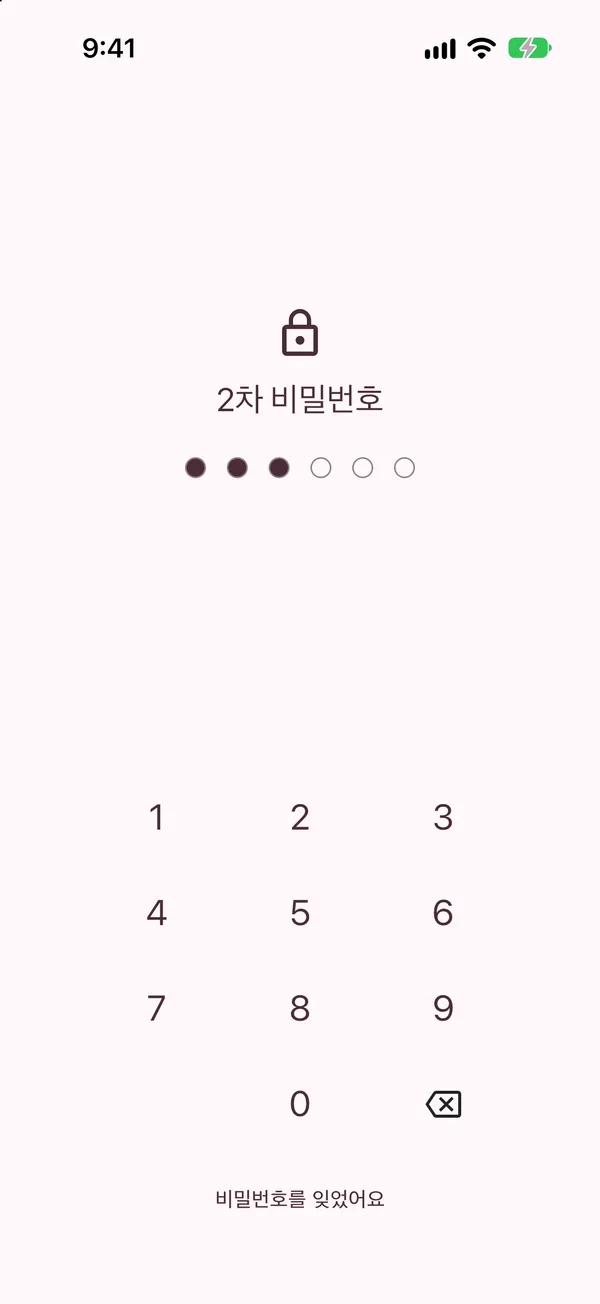
Set a PIN and the app asks for your 6-digit number each time you open it. You can also unlock with your fingerprint on Android, or Face ID / Touch ID on iPhone. Conversations don’t show in the recent apps list either.
Open your chat rooms in a web browser too. Conversations aren’t kept in the browser.
Find the web address in the Me tab of the app. New here? Start on the web with your invite code.
FAQ
Send a join request with the invite code or invite link your creator shared. Once the creator approves, you can enter the room.
No. Messages from fans go to the creator only. A creator may share a message with the whole room without your name, but your nickname and profile photo are never shown.
Messages, photos and voice messages you receive are kept on your device. They stay on our servers for only 30 days to be delivered, and are deleted after that.
Tap Delete account in the Me tab of the app and it’s done right away. If you no longer have the app, see how to delete your account (in Korean).
For creators
HEERTI is invite-only. Send us an application and we’ll get back to you by email after reviewing it.
Apply as a creator Contact us by emailqna@sonse.kr